Field guide · Hackathons
How to win
a hackathon.
Most teams lose a hackathon they could have won. The code was fine. The demo broke on stage, nobody could open the repo, the video was an afterthought, or the project ignored the prize the judges were actually handing out. This is the playbook I use, step by step.
Why you should trust me
I've built in the rooms
this advice comes from.
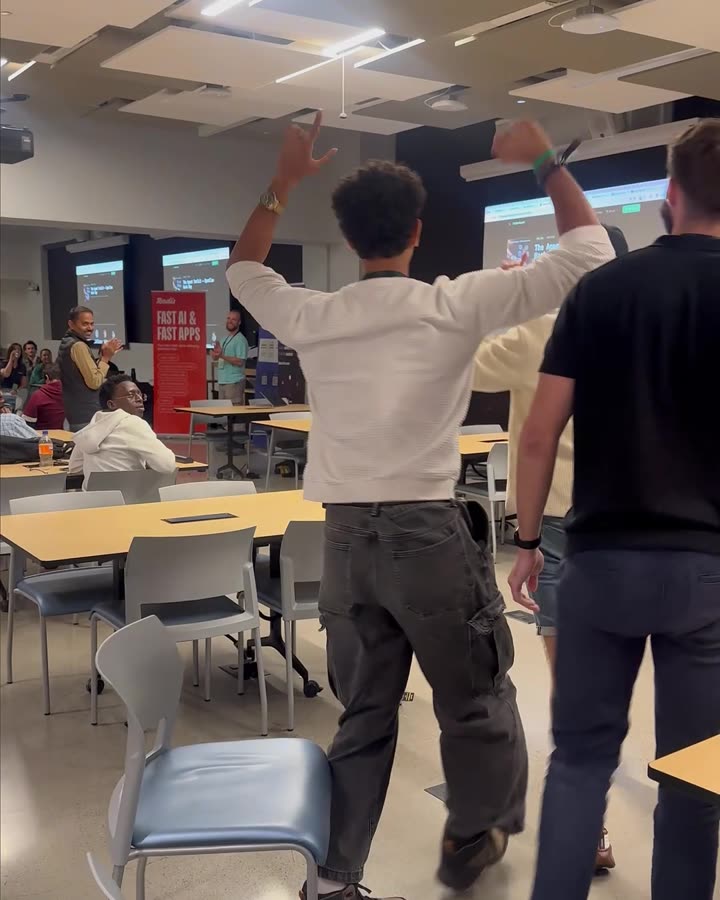
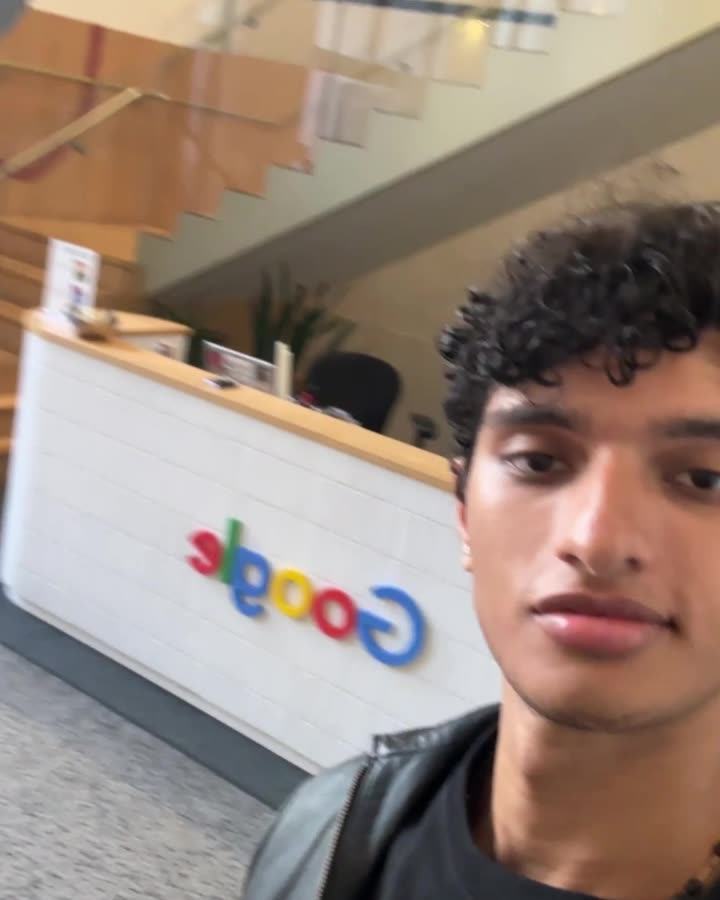
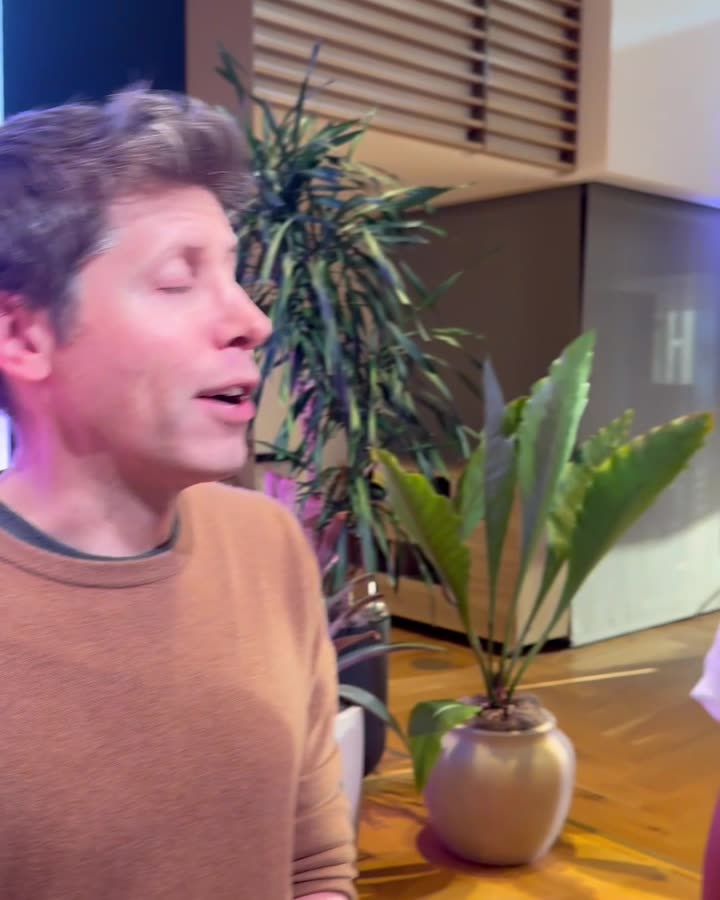
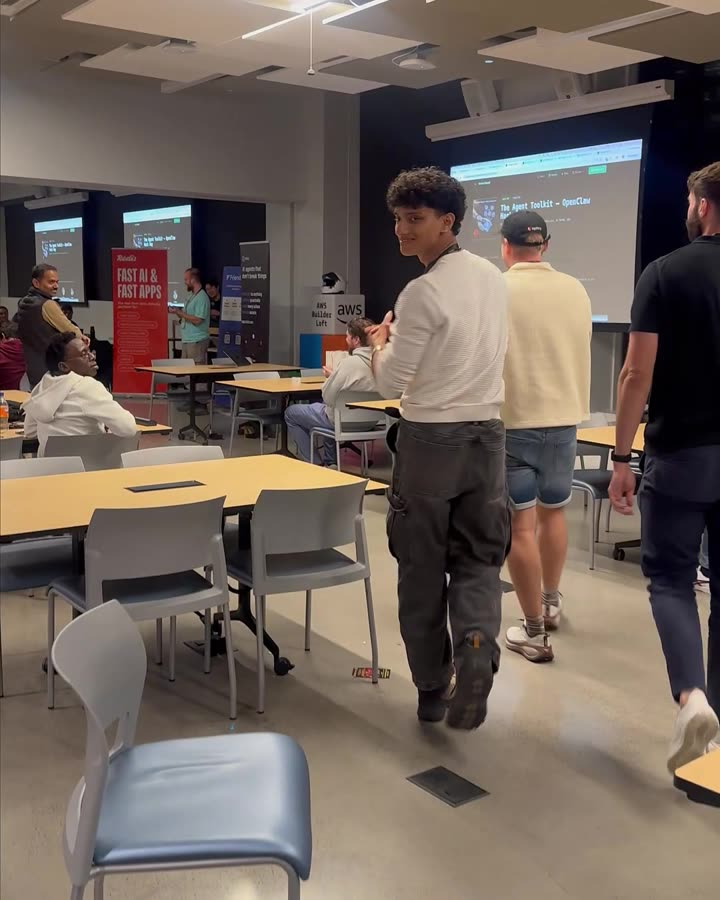
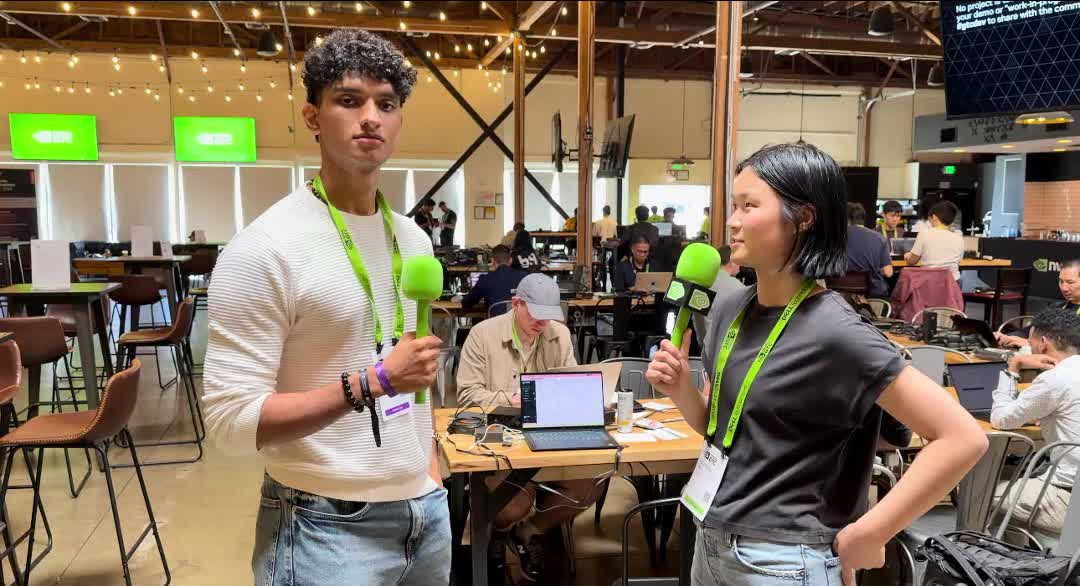
I'm Deon, a 22-year-old founder building AI for everyone. I've built at hackathons and events with Google, NVIDIA, SpaceX and OpenAI, and my 14th hackathon win came at AWS. Everything below comes from those weekends: what won, and what cost us when it went wrong.

- 14thhackathon win, at AWS
- 5Google, NVIDIA, SpaceX, OpenAI, AWS
- 1rule above all: the demo works
The non-negotiables
My five rules.
These are the rules I set for myself before every event. If I have to cut features to keep all five, I cut features.
-
The demo works from start to finish.
Not "mostly works". One user, one flow, one wow moment, from the first click to the result, every single time. Judges score what they see in three minutes. A half-built feature that crashes on stage costs you more than a feature you never started.
How: build the demo path first, end to end, ugly. Only then make it pretty. Run it ten times in a row before you're allowed to call it done. Pre-fill the forms and seed the data so nothing depends on typing live.
-
The code is on GitHub, it's live, and anyone can use it.
A judge who opens your repo should find a clean README, a live link, and a project that runs. "It works on my laptop" isn't a submission. A live URL tells the judges this is a product, not a slide.
How: push early and often. Deploy on day one (Vercel, Netlify, Render, whatever you know) and keep the live link working. The README gets four things: what it does in one line, the live link, a screenshot or GIF, and one-command setup. Test the link in an incognito window on your phone before you submit. No keys in the repo.
-
Talk to the judges before you ever show the demo.
The best pitch starts hours before judging. Walk up during the event, introduce yourself, and ask what they'd love to see built. By the time you present, they already know your name, your problem, and that you listened.
How: look up every judge and sponsor rep the night before: their company, their product, what they post about. At the event, ask questions instead of pitching: "What's the hardest part of X for your users?" Show them an early version and ask what would impress them. Then build that and tell them you did.
-
The video is really, really good.
Online judges and the people who shortlist finalists often see only your video. It's your pitch when you're not in the room, and it outlives the weekend: it's what you post, send to investors, and put on your portfolio.
How: hook in the first five seconds, show the real product instead of slides, add captions, keep it under the time limit, and end on the live link. Edit it properly. I edit mine with Claude: it cuts the silences, times the captions, and lines up the screen recordings with the voiceover. Full video checklist below.
-
Follow every sponsor track and problem statement.
Sponsor prizes are the easiest prizes to win, and they stack: one project can win the main track and two sponsor tracks. Judges score against a rubric, and a project that ignores the problem statement loses points it never had to lose.
How: read the rules, the rubric, and every sponsor track before you pick an idea. Pick the tracks you can honestly qualify for and use each sponsor's tech in a way that shows up in the demo, not buried in the backend. Name the track and the rubric words out loud in your pitch.
Step by step
From sign-up to stage.
The rules tell you what matters. This is when to do each thing, from the week before to the week after.
Phase 1 Before the event
- Read everything. The rules, the judging criteria, every sponsor track, the submission requirements, and past winners. Past winners show you what these judges reward. Rule 05
- Research the judges. Their backgrounds tell you whether they'll weigh business impact, technical depth, or design. Write down one question for each. Rule 03
- Build the team around the demo. You need someone who builds, someone who makes it look good, and someone who can pitch. Three or four people is plenty. Agree on roles before you arrive.
- Set up your tools. A starter repo, a deploy target, API keys for the sponsor tools, and a way to record your screen. Setup is the hour you don't want to lose on the day.
Phase 2 The first hours
- Pick a problem you can demo in 90 seconds. A real person with a real pain, and one moment where the audience goes "oh". If you can't describe it in one sentence, it's too big.
- Work backwards from the demo. Write the demo script first: what you click, what they see. Everything that isn't on that path is optional. Rule 01
- Create the repo and deploy a hello-world. Live URL in the first hour, so the last hour isn't spent fighting a deploy. Rule 02
Phase 3 Building
- Get the ugly version working end to end. Then polish. Mock or hard-code anything that isn't the core idea, and be honest about it if a judge asks.
- Walk the floor. Talk to judges, mentors and sponsor engineers. Show them the rough version. Their feedback is free, and it's the same people who'll score you. Rule 03
- Wire in the sponsor tech where it shows. If you're competing for a sponsor's prize, their product should be visible in the demo. Rule 05
- Sleep a little. A tired team gives a tired pitch. Take shifts if you have to.
Phase 4 The last hours
- Freeze the code two hours before the deadline. After that you only fix bugs on the demo path. No new features, no "quick refactor".
- Record and edit the video. Record the working demo while it works, then edit. Keep that recording as your backup if the Wi-Fi dies on stage. Rule 04
- Finish the README and submission page. Problem, solution, how it works, tech used, sponsor tracks entered, live link, video link, team. Rule 02
- Submit early. Uploads and submission forms fail at the last minute every single time. Submit a complete version early and update it.
Phase 5 Judging and after
- Rehearse the pitch out loud, with a timer. At least three full runs. Decide who says what and who drives the laptop.
- Present. Lead with the problem, show the demo live, and have the backup video queued in another tab. Pitch template below.
- Follow up. Connect with judges and sponsors the same day, post your video, and thank the organisers. Plenty of opportunities come from hackathons you didn't win.
Copy this
The 3-minute pitch.
Judges decide in the first 20 seconds whether to pay attention. Spend real time on the problem so the demo lands. Most teams spend 5% on the problem and 95% on features.
- 0:00One sentence. "We built X, which helps Y do Z." Say it before anything else.
- 0:15The problem. Who has it, how bad it is, a number or a story. Make the judges feel it.
- 0:45The live demo. The one flow, start to finish, narrated as a user's story, not a tour of features.
- 2:00How it works. Two sentences on the tech, naming the sponsor tools and the tracks you entered.
- 2:30Why it matters. Who'd use it tomorrow and what happens next.
- 2:50Close. Repeat the one sentence, then point at the live link.
Assume the judges know the basics and nothing about your stack. If a technical detail takes more than two sentences, save it for questions.
Rule 04, in detail
Make the video
impossible to skip.
Your video gets watched by judges who never meet you. Treat it like a product launch, not a screen recording.
- Hook in five seconds. Open on the result or the problem, never on a title slide or "Hi, we're team…".
- Show the real product. Screen recordings of the working app beat any slide.
- Captions on everything. Many judges watch with the sound off.
- Clean audio. Record the voiceover in a quiet room, cut the silences and filler, keep music low.
- Respect the limit. If they say 3 minutes, 2:45 is safer. Some judges stop at the limit.
- End on the link. The live URL and the GitHub repo on screen for the last few seconds.
- Upload early. Processing on YouTube can take far longer than you expect. Check it plays while logged out.
- Let AI do the tedious part. I use Claude to edit: trimming silences, timing captions, cutting between the voiceover and screen recordings. What used to take an evening takes minutes.
Before you submit
The demo-day checklist.
Further reading
What judges say.
My rules come from my own wins and losses. These pieces from judges and organisers back them up.